TECTechnology
How to Transform Everyday Selfies into Professional Headshots with AI
Published Updated 2 min read
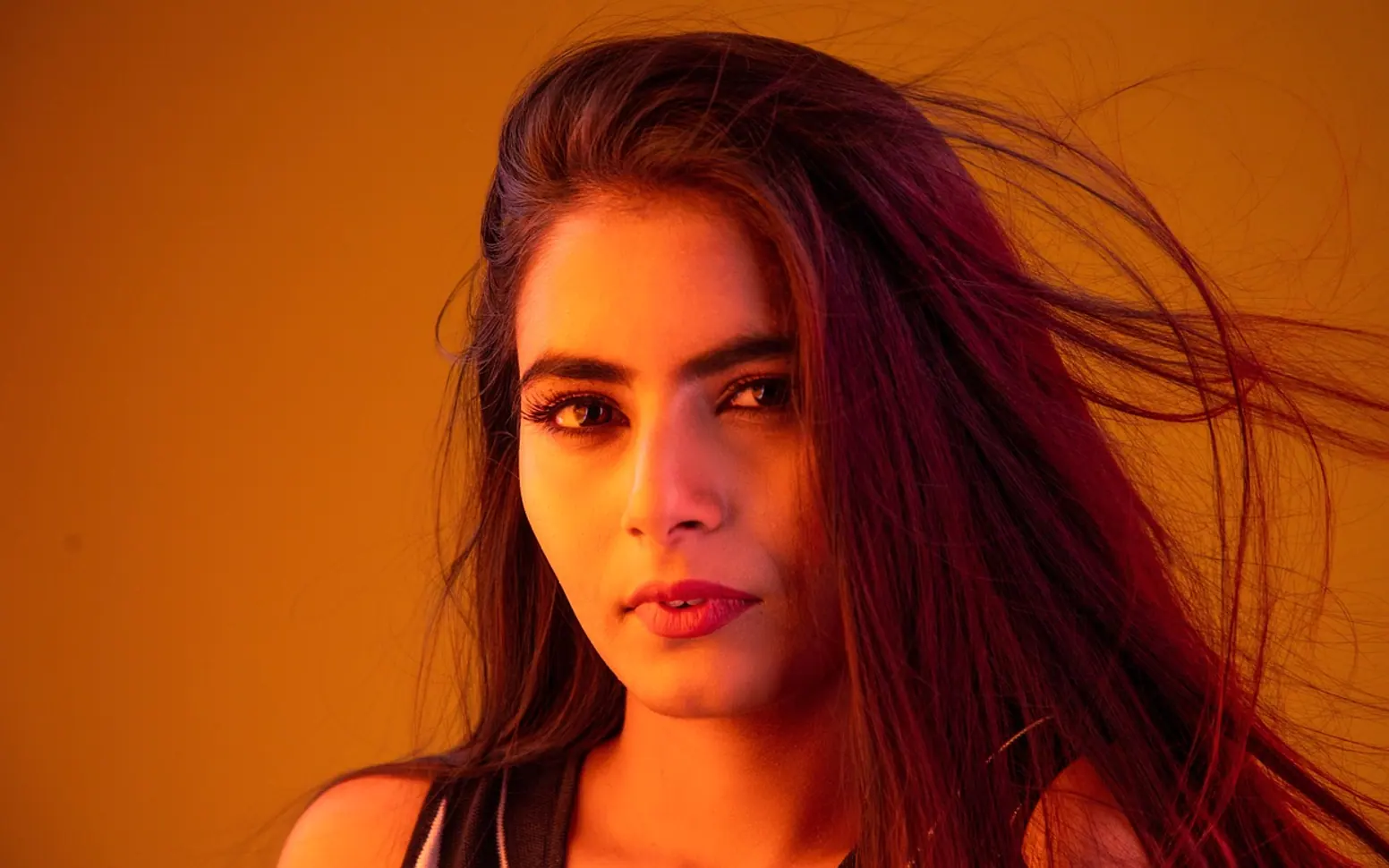
Colleagues, clients and recruiters usually see your face long before they meet you. A profile photo on a networking site, a team page, a conference programme or an email signature does a lot of quiet work. Booking a photographer is not always practical, though, especially for remote teams or anyone who needs a fresh image quickly. AI headshot tools offer another route: start with a decent selfie and end up with a polished, business-ready portrait.
Why AI headshots have caught on
The main draw is access. A traditional shoot means scheduling, travel, a studio fee and a wait for edits. An AI tool can produce several options from photos taken at home, which suits freelancers, job seekers and small businesses alike.
Consistency is the second reason. Companies with hybrid or distributed teams often struggle to make staff photos look like they belong together. Generating them in a shared style solves that without flying everyone to one office. It is useful for founders, recruiters, consultants and sales teams, and also for new interns who need a professional-looking profile from their first day.
Start with a good source photo
AI can improve a picture a great deal, but it works best with good raw material. A modern phone is enough if you follow a few basics:
- Soft, even light. Face a window in daylight rather than standing under a ceiling lamp.
- A plain background. A bare wall helps the software separate you from your surroundings.
- Eye-level framing. Hold the camera straight on, with head and shoulders in view.
- Simple clothing. Solid colours tend to come out cleaner than busy patterns.
- A relaxed expression. A slight smile usually reads as confident and approachable.
Blurry, heavily filtered or dimly lit selfies tend to produce results that look less like you. Several clear photos from slightly different angles usually help.
What the software actually changes
Most tools analyse your features and the image quality, then generate variations with improved lighting, sharper detail, balanced colour and a cleaner or studio-style background. Many let you choose a mood, from formal corporate to relaxed and creative, and some offer subtle wardrobe adjustments.
The best results still look unmistakably like the person, just well lit and well presented. Over-smoothed skin, odd hairlines or mismatched earrings give the game away, and an obviously artificial portrait can undermine the trust it was meant to build.
Choosing and using the final image
| Where it will appear | Style that usually fits |
|---|---|
| Professional networking profile | Neutral background, friendly but businesslike |
| Company team page | Matching backgrounds and framing across staff |
| Speaker or author bio | Slightly more personality, still clean |
| Creative portfolio | More colour and character |
Generate several versions and compare them side by side. Check the eyes, teeth, hair and clothing closely, and ask a colleague which one looks most like you. The least forced option is often the strongest.
Keep your headshot up to date as your appearance or role changes, and if you represent a company, follow any brand guidelines on backgrounds and crop. Used thoughtfully, AI turns an everyday selfie into a portrait that helps you look prepared and approachable wherever people find you online.
Questions? Write to us.
A short note is enough.