TECTechnology
From Application to Activation: Your Step by Step Path to a Free Government Phone
Published 3 min read
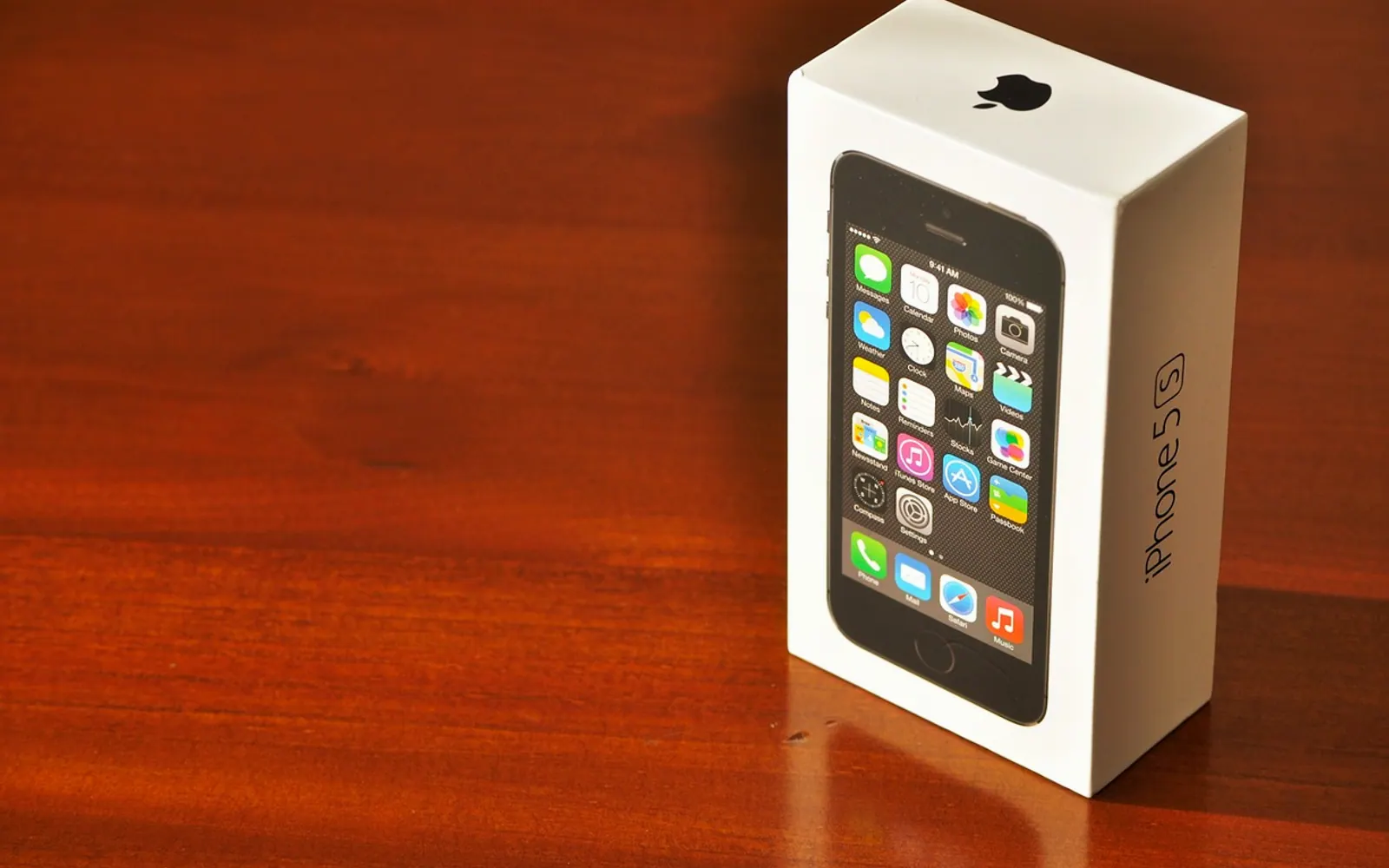
Applying for a phone through a government-supported programme is not complicated, but it does follow a set order. Most delays come from missing paperwork or small mismatches between documents, not from the process itself. Knowing each stage in advance lets you prepare once and keep things moving.
Before you apply: gather your paperwork
Eligibility is usually based on household income or on taking part in certain assistance programmes. Reviewers will also want to confirm who you are and where you live. Have these ready:
- Identity: a driver's licence, state ID or passport.
- Address: a lease, a recent utility bill or a letter from a government agency.
- Eligibility: proof of income or a letter showing participation in a qualifying benefit programme.
Make clear photos or scans of each page and check that your name is spelled the same way everywhere. If you share an address with another household, ask about the form that confirms you keep separate finances, since the benefit is generally limited to one per household.
Applying and verification
There are usually three ways to apply, and each suits different people:
| Channel | Good for | Tip |
|---|---|---|
| Online | Anyone comfortable uploading documents | Errors can often be corrected straight away |
| By mail | People who prefer paper or have limited internet | Keep copies of everything you send |
| In person | Those who want help with questions | Community events can cover several steps in one visit |
Once submitted, reviewers check eligibility, identity and address, and confirm the household is not already receiving the same benefit through another provider. If they need more information, they will send instructions. Answer promptly and include exactly what is requested.
Approval and activation
After approval, you will receive confirmation with your provider's name and the next steps. Many people begin with a quick search for a free government phone provider that serves their state, which is a convenient way to compare available plans and see how the application and delivery work before getting started.
- When the phone arrives, charge it fully.
- Insert the SIM card if it is not already fitted.
- Switch on and follow the activation steps on the quick-start card.
- Install any required software update, ideally over home Wi-Fi to save mobile data.
To keep your existing number, ask for a transfer at the start of activation. You will need the account number and PIN from your previous carrier, and the old service should stay active until the transfer is complete. Afterwards, send a test text and make a test call.
Your first week and staying eligible
A few early habits make the phone more useful and more secure: set a passcode, turn on the setting that helps locate a lost device, record a clear voicemail greeting and add important contacts such as family, work, school and local services. Calendar reminders for appointments and bills are worth setting up too.
If something does not work, start with the simple fixes. Test the signal near a window or outdoors, check that mobile data is switched on, and restart the device. If the problem persists, call support from another phone so you can follow their steps on the handset.
Most households must confirm their eligibility each year. Put a reminder in your calendar a few weeks before the anniversary of your approval and respond quickly to any renewal notice, so the service continues without interruption.
Questions? Write to us.
A short note is enough.